

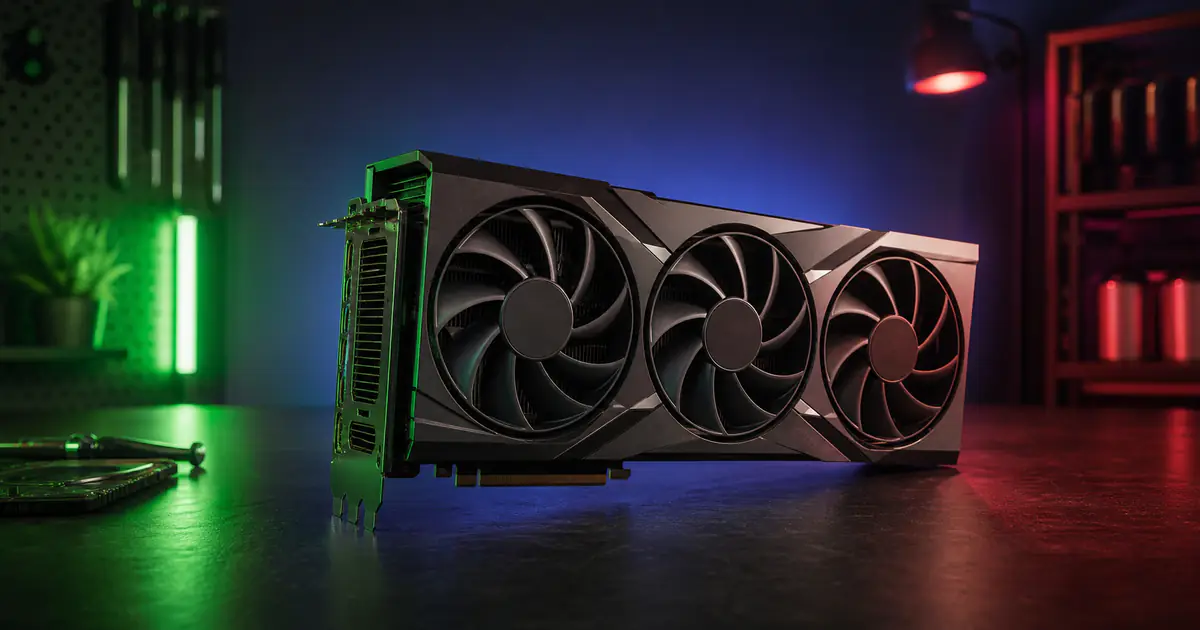
Gaming GPU Buying Guide 2026: A Specification-Based Shortlist
The State of the GPU Market in 2026
Current NVIDIA Blackwell and AMD RDNA 4 cards span entry-level through enthusiast price tiers. The right choice depends on the exact games and applications you use, your display, local price, power supply, case clearance, and tolerance for upscaling or frame generation.
Both manufacturers have focused on ray tracing, AI-assisted upscaling and frame generation, and power efficiency. Gains vary significantly by game, settings, and whether generated frames are included, so compare like-for-like benchmarks for your own workload.
This guide groups several current models by launch-price tier and intended use. It is a specification-based shortlist, not a laboratory performance ranking. Verify current street price and independent benchmarks for your exact workload before buying.
Before choosing a card, compare the expected uplift with the GPU Upgrade Calculator and check whether your target resolution and texture settings fit the VRAM Requirement Calculator.
Note: All pricing reflects MSRP at launch. Street prices may vary depending on availability and regional markets.
Budget Tier: Options Around $300
NVIDIA GeForce RTX 5060
The RTX 5060 is a Blackwell option with 8GB of GDDR7 memory and a $299 launch MSRP. NVIDIA positions it primarily for 1080p gaming; results at any resolution vary by title and settings. Key specifications include:
- CUDA Cores: 3,840
- Memory: 8GB GDDR7
- Total Graphics Power: 145W
- MSRP: $299
The RTX 5060 supports NVIDIA's current DLSS feature set, but performance and image quality depend on each game's implementation. Treat it primarily as a 1080p option and check independent tests for the titles you play.
AMD Radeon RX 9060 XT 8GB
AMD's RX 9060 XT 8GB is an RDNA 4 alternative at the same launch MSRP as the RTX 5060:
- Stream Processors: 2,048
- Memory: 8GB GDDR6
- TDP: 150W
- MSRP: $299
The 8GB model targets 1080p gaming. A 16GB RX 9060 XT is also available for workloads that benefit from more VRAM, but board power and pricing differ.
Mid-Range: Options Between $400–$600
NVIDIA GeForce RTX 5070
The RTX 5070 is a 1440p-focused option with 12GB of GDDR7. NVIDIA's promotional comparisons can include Multi Frame Generation, which is not equivalent to native rendered performance, so do not treat it as an RTX 4090 replacement. Key specifications are:
- CUDA Cores: 6,144
- Memory: 12GB GDDR7
- TDP: 250W
- MSRP: $549
For 1440p gaming, the RTX 5070 can be a strong option when its feature set suits your games. Ray-traced results vary widely, especially at maximum settings.
AMD Radeon RX 9070
AMD's RX 9070 provides 16GB of GDDR6 memory and a 256-bit interface at a $549 launch MSRP:
- Stream Processors: 3,584
- Memory: 16GB GDDR6
- Typical Board Power: 220W
- MSRP: $549
Its 16GB capacity may help with large texture packs and some creator workloads. Software support and application-specific acceleration should also be checked before choosing it for productivity.
Higher-Performance Options: $599–$1000
NVIDIA GeForce RTX 5080
The RTX 5080 is a 16GB Blackwell card with a $999 launch MSRP. NVIDIA positions it for high-resolution gaming and creator workloads, but value depends on local price and application-specific benchmarks:
- CUDA Cores: 10,752
- Memory: 16GB GDDR7
- TDP: 360W
- MSRP: $999
The RTX 5080 targets high-setting 4K gaming, but frame rate depends on the title, ray-tracing level, and whether upscaling or generated frames are enabled.
AMD Radeon RX 9070 XT
AMD's RX 9070 XT is the faster RDNA 4 option in this guide and launched below the RTX 5080's price tier:
- Stream Processors: 4,096
- Memory: 16GB GDDR6
- Typical Board Power: 304W
- MSRP: $599
The RX 9070 XT is positioned for high-refresh 1440p and 4K gaming. Compare current independent benchmarks because ray tracing, upscaling, and raster results vary by title.
Enthusiast Tier
NVIDIA GeForce RTX 5090
The RTX 5090 has the highest published specifications among the GeForce models in this shortlist. It targets demanding high-resolution and creator workloads, but no fixed frame-rate claim applies across all games:
- CUDA Cores: 21,760
- Memory: 32GB GDDR7
- TDP: 575W
- MSRP: $1,999
The RTX 5090 is the highest-spec GeForce card in this list. Its 575W total graphics power calls for NVIDIA's recommended 1000W system power and careful attention to case clearance, cabling, and airflow.
Recommended PSU Wattage by GPU Tier:
RTX 5060                → 550W
RX 9060 XT 8GB         → 450W
RTX 5070 / RX 9070     → 650W
RX 9070 XT             → 750W
RTX 5080               → 850W
RTX 5090               → 1000W+
GPU Specification Summary
| GPU | Architecture | VRAM | TDP | Launch MSRP | Intended use to investigate |
|---|---|---|---|---|---|
| RTX 5060 | Blackwell | 8GB GDDR7 | 145W | $299 | 1080p Gaming |
| RX 9060 XT | RDNA 4 | 8GB GDDR6 | 150W | $299 | 1080p Gaming |
| RTX 5070 | Blackwell | 12GB GDDR7 | 250W | $549 | 1440p gaming |
| RX 9070 | RDNA 4 | 16GB GDDR6 | 220W | $549 | 1440p + VRAM |
| RTX 5080 | Blackwell | 16GB GDDR7 | 360W | $999 | 4K Gaming |
| RX 9070 XT | RDNA 4 | 16GB GDDR6 | 304W | $599 | 1440p / 4K |
| RTX 5090 | Blackwell | 32GB GDDR7 | 575W | $1,999 | Demanding high-resolution or creator workloads |
How to Choose the Right GPU
Start with these factors:
- Your target resolution — 1080p, 1440p, or 4K
- Your games and applications — Compare independent tests using similar settings, patches, and upscaling modes
- Your total budget — Include the power supply, case, cooling, display, and any platform upgrade needed
- Physical and electrical compatibility — Check dimensions, connectors, recommended system power, and the PSU maker's cable instructions
- Current value and support — Compare street price, warranty, return terms, drivers, and software features
There is no universal percentage of a PC budget that should go to the GPU. Allocate more for GPU-heavy workloads and less when the CPU, memory capacity, display, storage, or specialist software matters more. Use the calculator only as an initial score comparison, then validate the proposed pairing with relevant benchmarks.
Frequently Asked Questions
Is 8GB of VRAM enough in 2026?
There is no universal VRAM requirement by resolution. Usage depends on the game, texture setting, ray tracing, mods, rendering mode, and background applications. Check recent tests for the titles you play; if a test shows memory-related stutter or forced texture reductions, compare higher-capacity options within your budget. Our VRAM requirements guide provides a transparent capacity-planning worksheet for 1080p, 1440p and 4K.
Should I buy NVIDIA or AMD?
Both have worthwhile options. NVIDIA emphasizes ray tracing, DLSS, and its creator software stack; AMD's competing cards may offer more memory at some price points. Compare the exact games and applications you use rather than choosing by brand alone.
When is the best time to buy a GPU?
There is no reliable universal buying window. Compare the current street price with launch MSRP, check retailer return terms, and look at recent benchmarks because driver updates and competing launches can change value.
Sources and Editorial Method
Primary specification references for this guide are the official NVIDIA GeForce specifications and AMD Radeon specifications. The editorial method and limitations were reviewed on July 16, 2026. Models are grouped by published specifications, launch price, memory capacity, power requirement, and intended use. This is editorial planning guidance, not a sponsored placement or a result from our own test lab. Recheck current vendor specifications and street prices, and verify performance with multiple independent benchmarks for your exact games, settings, and software.
Continue your PC planning
Use the guide as context, then test the decision with a focused calculator or a worked build example.
Relevant calculators
Share this article
Related Articles
How Much VRAM Do You Need for Gaming at 1080p, 1440p, and 4K?
A calculation-first guide to choosing graphics-memory capacity without treating resolution, allocated memory or one game's peak reading as a universal requirement.
CPU vs GPU Bottleneck: What's the Difference and How to Fix It
CPU bottleneck or GPU bottleneck? Learn the key differences, how each affects your gaming FPS, and the best strategies to resolve them.
How Much PSU Wattage Do You Need? A Practical Sizing Guide
Size a PC power supply using a transparent load estimate, practical headroom, exact connector requirements, and five worked build examples.